Real freedom for them. Real control for you.

See every purchase, set the rules, and step in instantly if you need to.

Free plan available. No monthly subscription required.

App Store and Trustpilot ratings as of April 26, 2026.¹

R
Riley's card Active
Daily limit$32 of $50
Single purchase$25 max
ATM blocked2 categories blocked
Riley spent $9.99 · Roblox · 2 min ago
Low balance — $2.14 left · 1 hr ago

Know and control every purchase

Alerts

Know the moment they spend

An alert on every purchase, with what, where, and how much.

Card controls

Freeze the card in a tap

Lost it, or done for the day? Freeze and unfreeze from your phone.

Security

Multi-layer security

Biometric login and account protection on every account.

Set the exact rules you want

Go beyond the basics. Set daily and per-transaction limits, block ATM withdrawals, and block the merchant categories you don't want them spending on. You decide what they can do, and change it any time.

Daily spending limitSet a cap on how much they can spend in a day.
$50/day
Single purchase limitCap how much any one purchase can be.
$25
Block ATMTurn cash withdrawals on or off.
Block categoriesStop spending in categories you choose.
Low balance alertGet a heads-up before their card runs dry, so you can top it up or let auto-reload handle it.

Advanced controls come with a subscription plan. See plans →

Spending analytics

See exactly where their money goes

A map of exactly where each purchase happened, plus every kid's spending broken down by category, so you can spot the patterns and turn real purchases into real money conversations.

Advanced spending analytics comes with a subscription plan. See plans →

Games38%
Food27%
Shopping20%
Other15%
Riley62%
Jordan38%
Week 142%
Week 258%
Week 335%
Week 461%
Support

Real help from real people

Reach a human by chat or email when you need a hand.
A
Alex · Modak Support Replied in 2 min
My daughter's card was declined at the grocery store
Looks like she hit her daily spending limit — you can raise it anytime from Family Spending Controls. Want me to walk you through it?
That makes sense, thank you!
Resolved
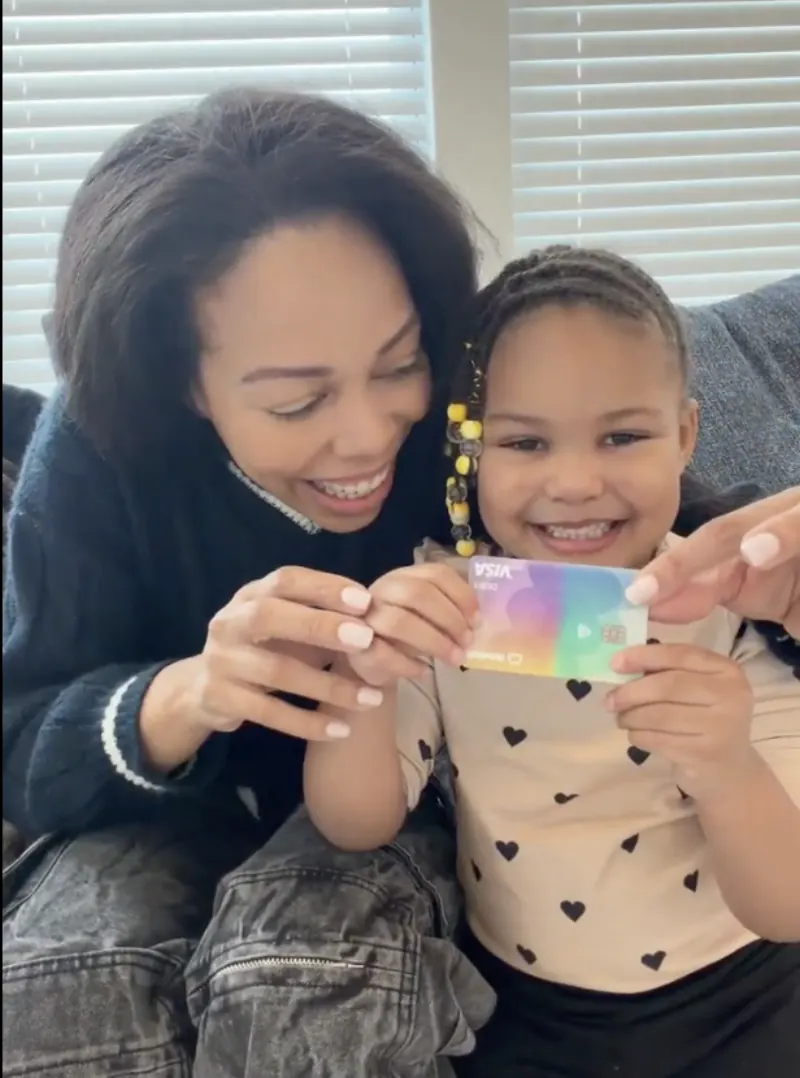
Modak family — mom and daughter with her card
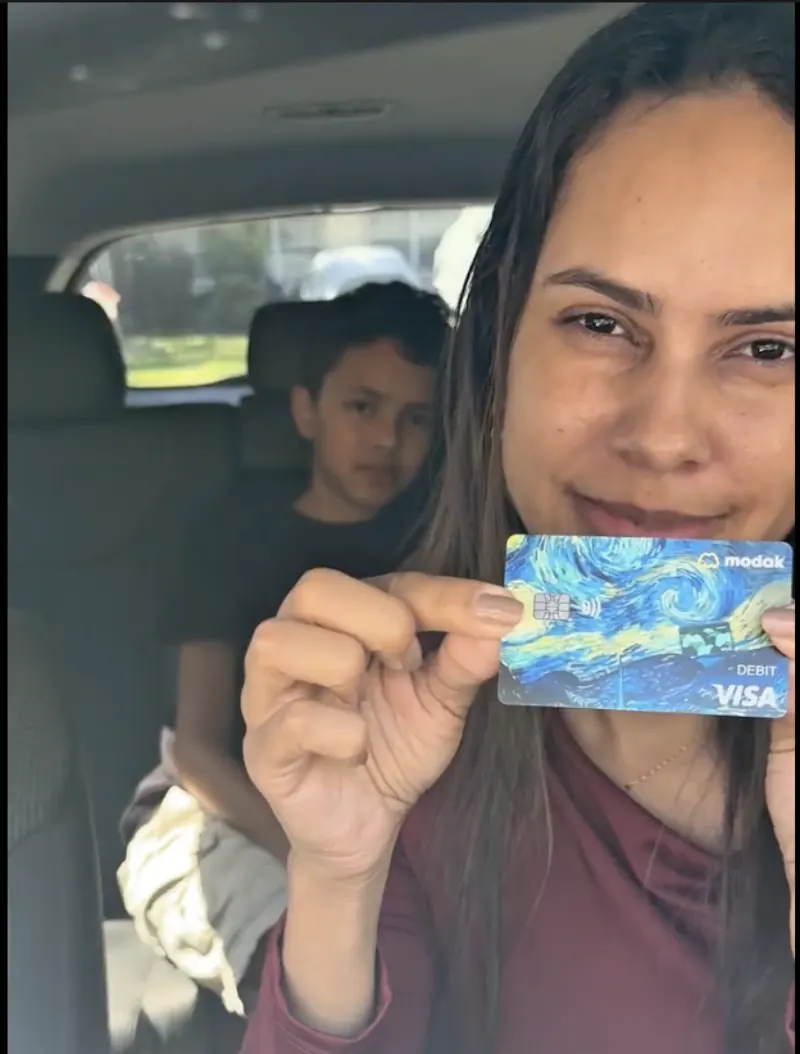
Modak family — mom in the car with her son
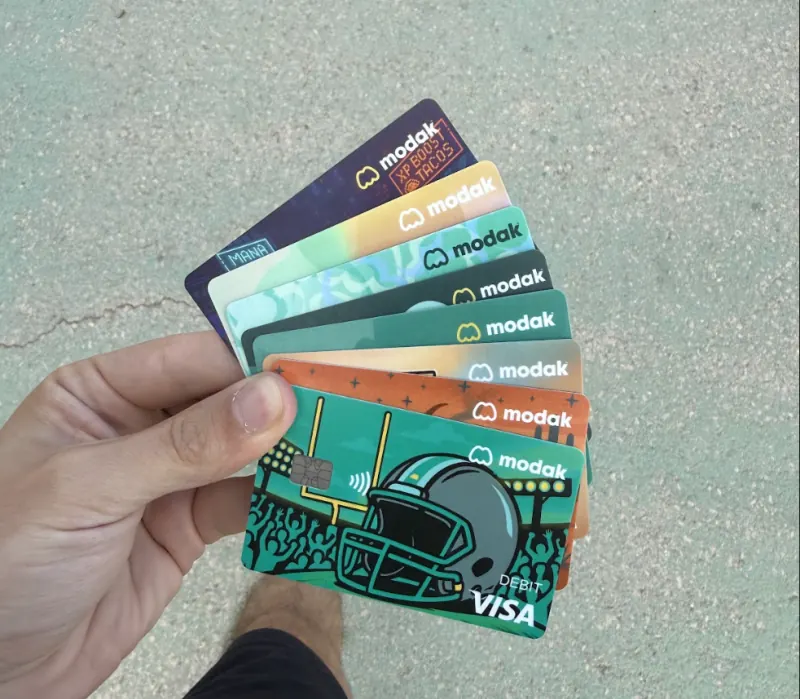
Modak family — hand fanning out card designs
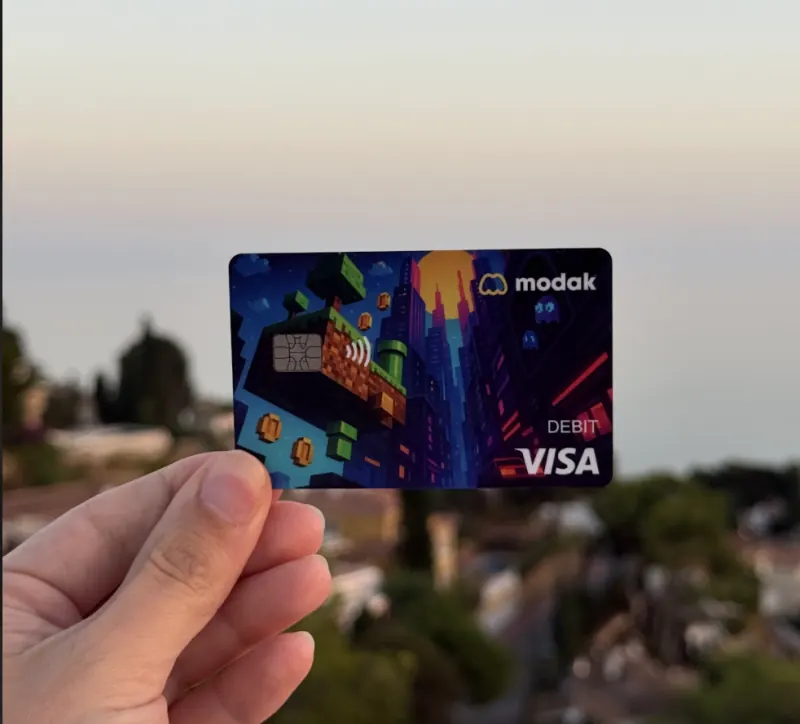
Modak family — card outdoors at sunset
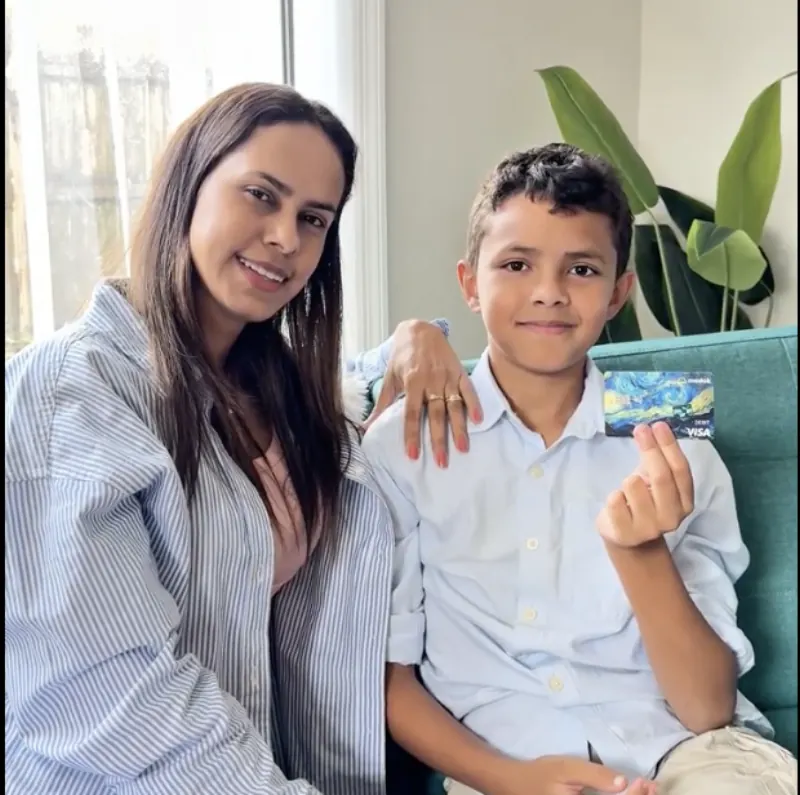
Modak family — mom and son on the couch
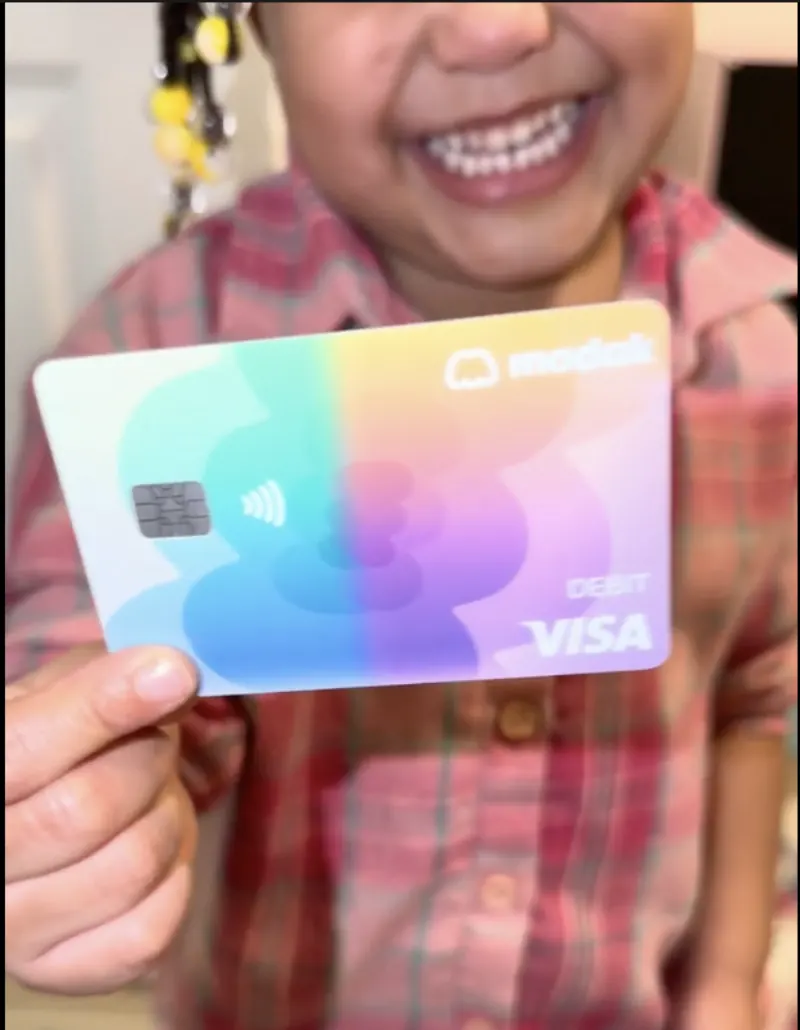
Modak family — kid with their card

Trusted by over 200,000 families

App Store and Trustpilot ratings as of April 26, 2026.¹

MP
Modak parent

“I get an alert the second she taps her card — I actually know what's going on, in real time.”

MP
Modak parent

“Freezing the card during a rough week gave us both some space, without a big blow-up about it.”

MP
Modak parent

“I set the daily limit once and haven't thought about it since. It just works.”

Deposit account and the Modak Visa® debit card issued by Legend Bank, N.A., FDIC-Insured.

Modak is a financial technology company and not a FDIC insured financial institution.

Frequently asked questions

How do I know Modak is safe?

Modak blocks unsafe spending categories, offers real-time transaction tracking and monitoring, and allows instant card lock/unlock. Data is encrypted and secured with biometrics. Modak complies with CFPB regulations to ensure high security and privacy standards. Moreover, your checking accounts and debit cards are issued by Legend Bank, N.A., FDIC-Insured.

Read more →
Why is a SSN required?

The requirement of providing a Social Security Number (SSN) when opening a bank account in the US is necessary to verify that person’s identity and ensure that they are the person they claim to be. It is a crucial step to prevent fraudulent activities and protect both the customer and the bank from potential risks. At Modak, the only required SSN is from the parent as they are they adult owner of the account.

Read more →
How to block my Modak account if lost or stolen?

Please follow these instructions:

Parent Portal

  • Sign in to your Modak account https://app.modakmakers.com/parents using your login credentials.
  • Click on “manage Card”, then select to lock the physical and or virtual card.
  • You will receive a confirmation pop-up. If you agree click on Lock the card.
  • You can unlock the card/s anytime to make purchases again
  • To unlock your card/s, navigate back to the “manage card” section of your account and select the option to unlock the card/s that you want to use again.
  • Monitor your account: Regularly check your account activity to ensure that no unauthorized transactions have been made.
  • Update your contact information: If your phone number or address has changed please update it.

-———–

Teens app

  • Open the Modak app on your device.
  • Sign in using your login credentials.
  • Click on the “manage card” section at the top (Card Icon)
  • You will pass over ID verification set on your mobile device.
  • Once verified you will be able to click on the corresponding card you may want to lock, physical or virtual.
  • Select the card and then you will receive a confirmation pop-up at the bottom.
  • You can unlock the card/s anytime to make purchases again.
  • To unlock your card/s, navigate back to the “manage card” section of your account and select the option to unlock the card/s that you want to use again.

We recommend you to act quickly in case your card is lost or stolen to minimize the potential for fraudulent activity on your account.

Read more →
See all FAQs →

Alerts, freeze, and security are free on every plan. Advanced controls and spending analytics come with MoSilver. See plans →

Start building smarter money habits today

Join families raising kids who know what to do with money.

Get started for free →


Get Started for Free